


Google Docs
Select any document you have editing access to and analyze its complete revision history. Available on all plans.


The interactive demo is best experienced on a larger screen.
Works with your workflow
Quickly select and analyze documents without downloading, uploading, or installing a Chrome extension.
Select any document you have editing access to and analyze its complete revision history. Available on all plans.

Analyze Word documents shared through your institution's Microsoft 365 workspace.
How Turingo works
Works with Google Docs on all plans and Microsoft Word on the Enterprise plan.
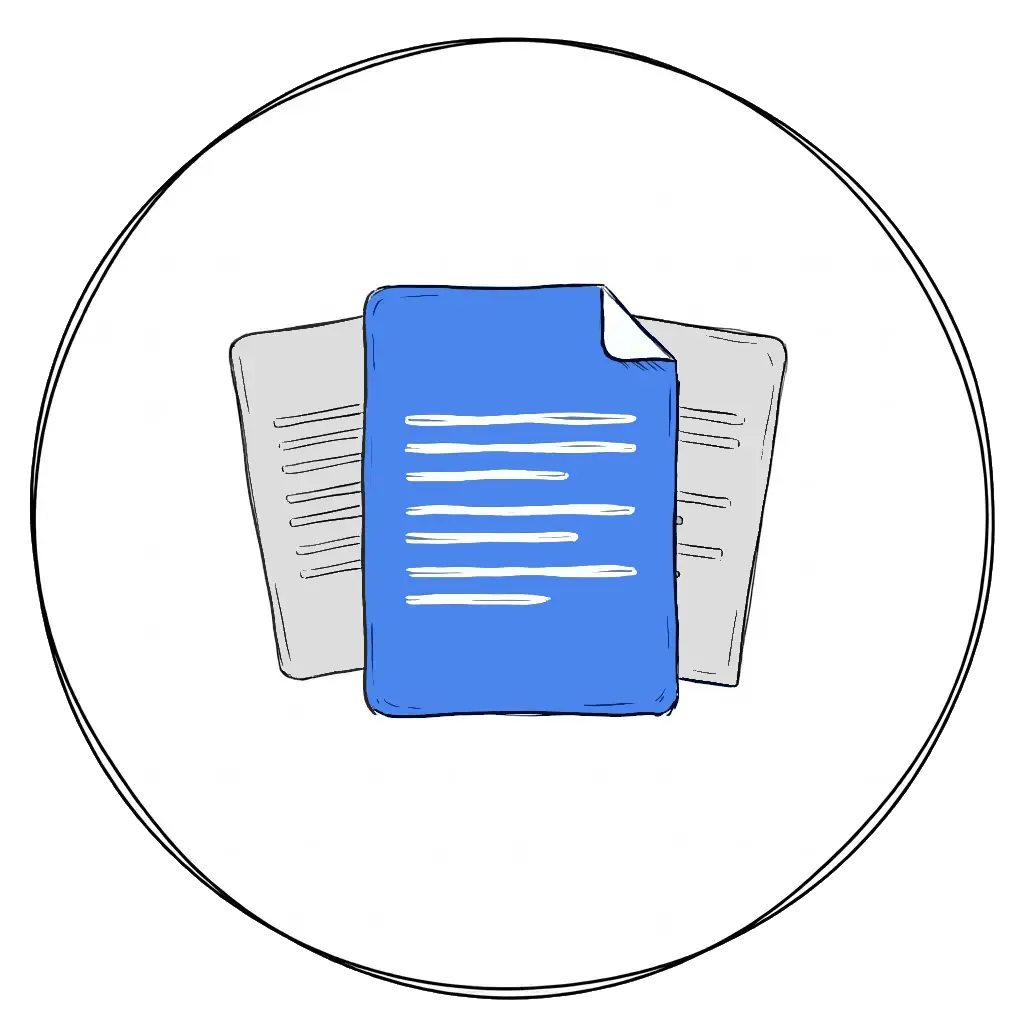
Connect your Google or Microsoft account and pick any document you can edit.
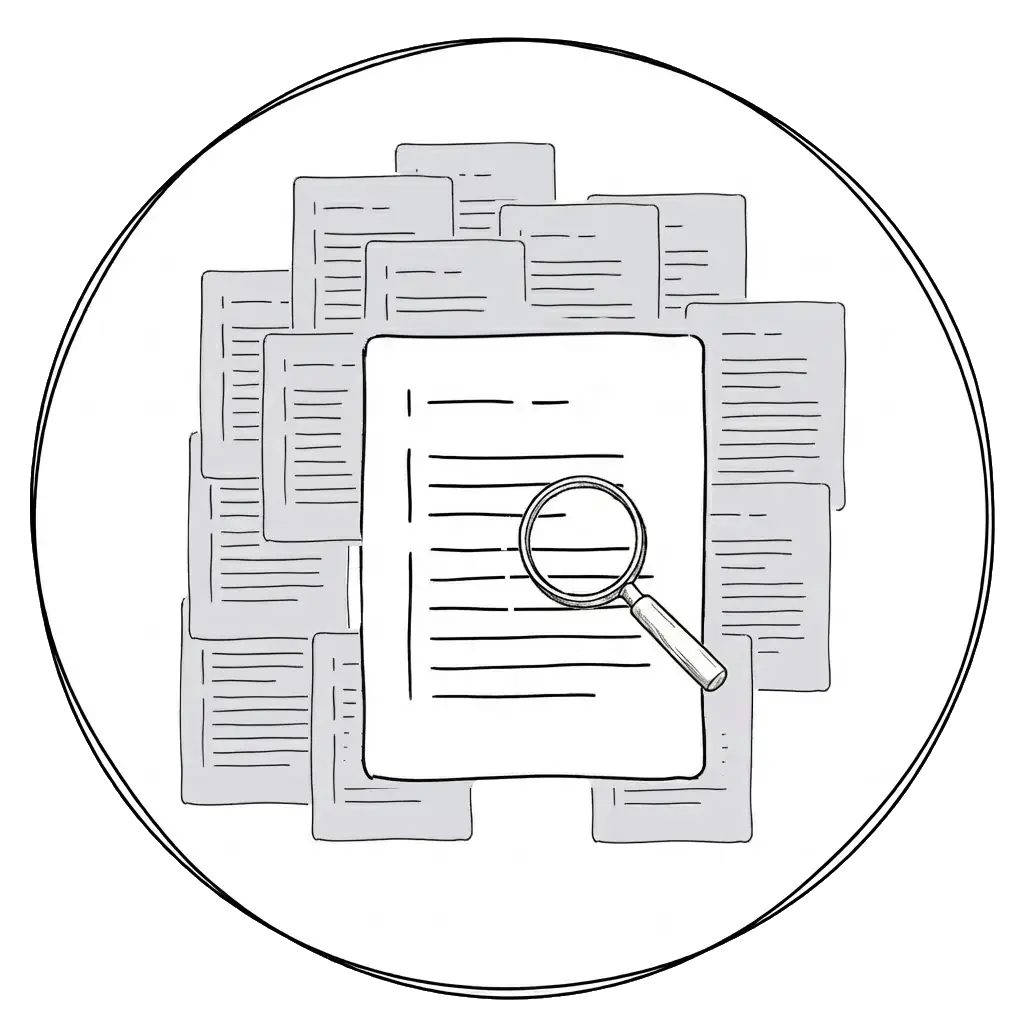
Turingo automatically analyzes the complete writing process and flags suspicious writing patterns. No manual review needed.
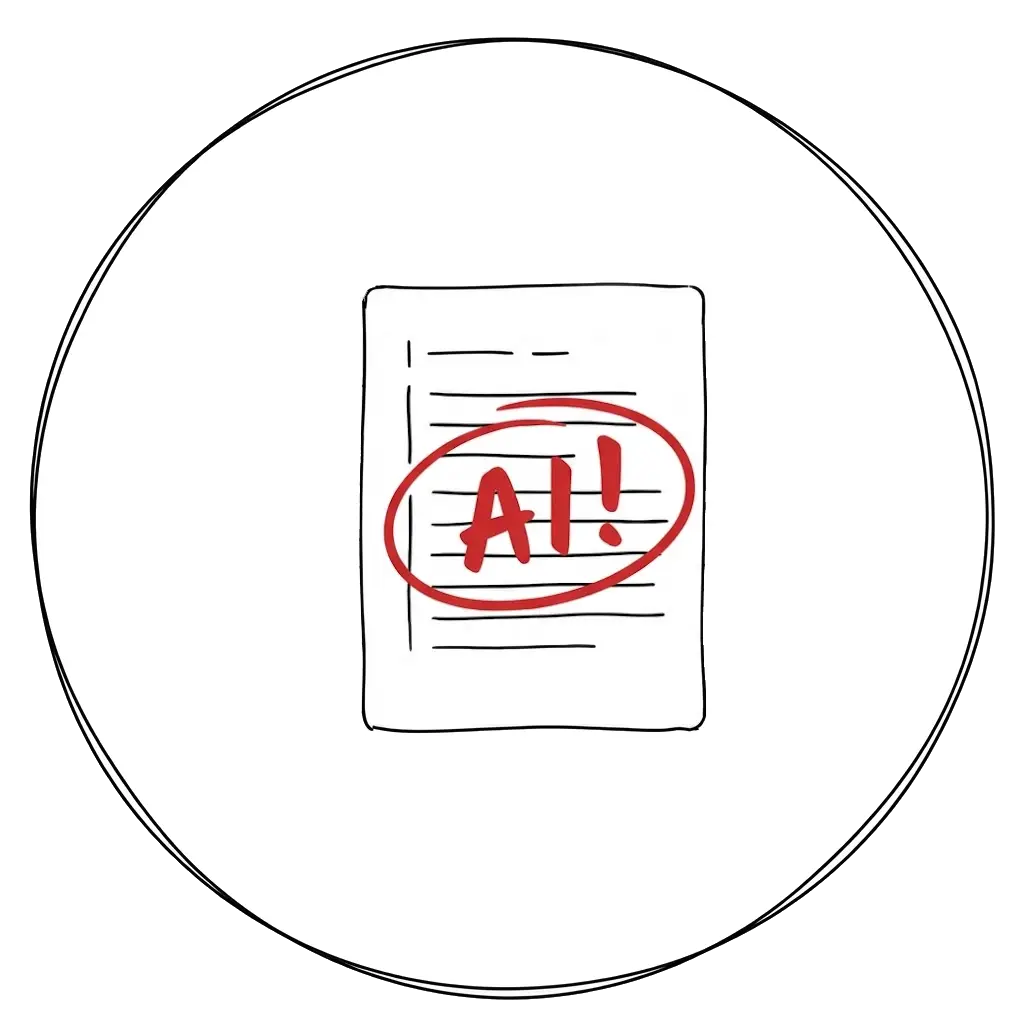
Jump straight to the suspicious edits and inspect how they changed over time, or replay the whole document word by word with each edit clearly highlighted.
Why Turingo
Turingo builds a word-by-word history of any document, detects any unusual changes, and keeps track of how they affect the document over time.
Existing detectors predict whether text looks AI-generated and can produce unreliable results. Turingo analyzes the document's revision history instead, revealing suspicious writing patterns you can inspect and verify yourself.
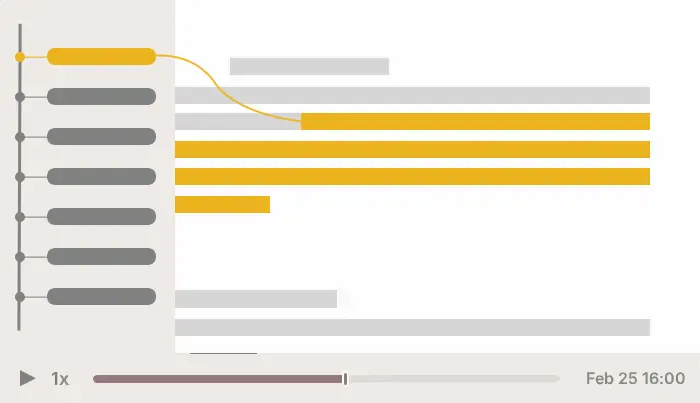
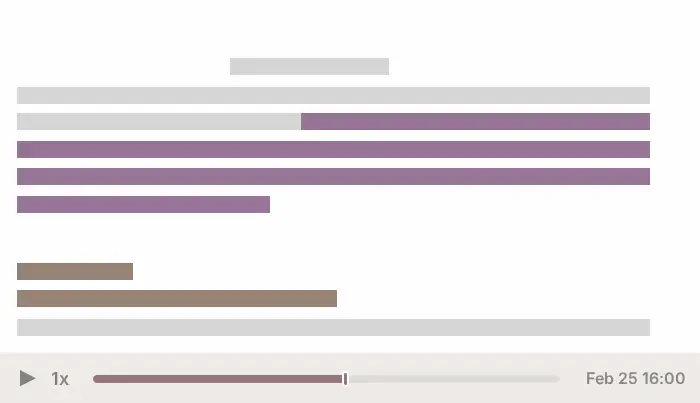
Replay the document word by word and see what was added, by whom, and when. Detected AI writing is flagged automatically, so you can jump straight to it.
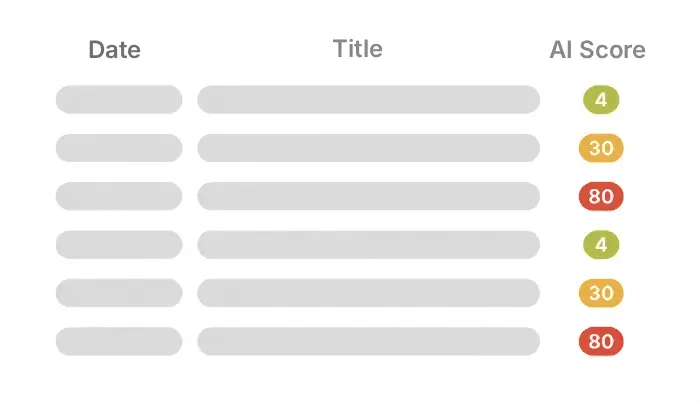
See exactly how much each collaborator contributed and how much of their writing was AI-generated.
Name
% Content
% AI
Alice
0%
Bob
100%
Every document change is tracked and summarized automatically, turning hours of replay watching into seconds of analysis.
Generate a public report link that anyone can view without signing up or logging in.
Free tool
Watch how the document was written, word by word, at your own pace, with the free Google Docs replay tool.
FAQ
Have more questions? We're here to help. Don't hesitate to contact us.
Turingo is an automated document-analysis platform that detects AI-generated content by analyzing revision history.
Turingo was designed for educators and institutions, and can also support students, authors, and editorial teams.
It analyzes document revision history for suspicious insertions and editing behavior instead of judging only the final text.
No. Turingo flags suspicious edits automatically and takes you straight to them, so reviewing a scan takes seconds, not hours. The full word-by-word replay is always available when you want to inspect the context around a flagged edit yourself.
Google Docs are supported on all plans. Microsoft Word documents are supported on the Enterprise plan.
Yes, for Word documents shared through an institution's workspace on the Enterprise plan.
Turingo supports many languages because its revision-history analysis is not language-specific.
Yes. Turingo offers a seven-day trial with a limited analysis quota.
Turingo processes only the revision history of documents explicitly selected for analysis and does not store full document content.
Evidence educators can trust
Join educators and institutions who trust the writing process, not just the final draft.
Try for free →